
Download Instructions
STEP 1
- Start by visiting the SideQuest download page and download and install the SideQuest app for Windows, Mac or Linux.
STEP 2
- Visit the Oculus Developer Center to download and install the Oculus ABD Drivers v2.0.
STEP 3
- Extract the contents and locate the file labeled android_winusb.inf.
- Right-click to Install the drivers on your PC.
STEP 4
- Register as an Oculus developer to enable Developer Mode through the Oculus Developer Center.
- Once complete, login with the account associated with your Quest 2 headset and click on the Create button to register as a developer.
STEP 5
- Enable Developer Mode on your Quest 2 headset.
- First pair your Quest 2 headset to the Quest app on your phone or tablet.
- After your Quest 2 has been connected choose Devices from within the app menu.
- From the available options select Headset Settings and Developer Mode.
- To finalize the setup make sure that the Developer Mode toggle is set to the on position.
STEP 6
- Connect your Quest headset to your computer via USB and allow USB debugging access.
STEP 7
- Once your Quest 2 headset has been detected by SideQuest, click Install APK from the folder icon located in the upper right corner.
- Select and open the Unceded Territories.apk
STEP 8
- Once Installed - put on your Oculus Quest 2 Headset and look for your Games Library.
- From the menu > click on Unknown Sources from the available options.
- Look for Unceded Territories.apk from the available options.
STEP 9
- Enjoy.
STEP 10
- For more detailed step by step instructions, please review this handy how-to-video available from SideQuest.



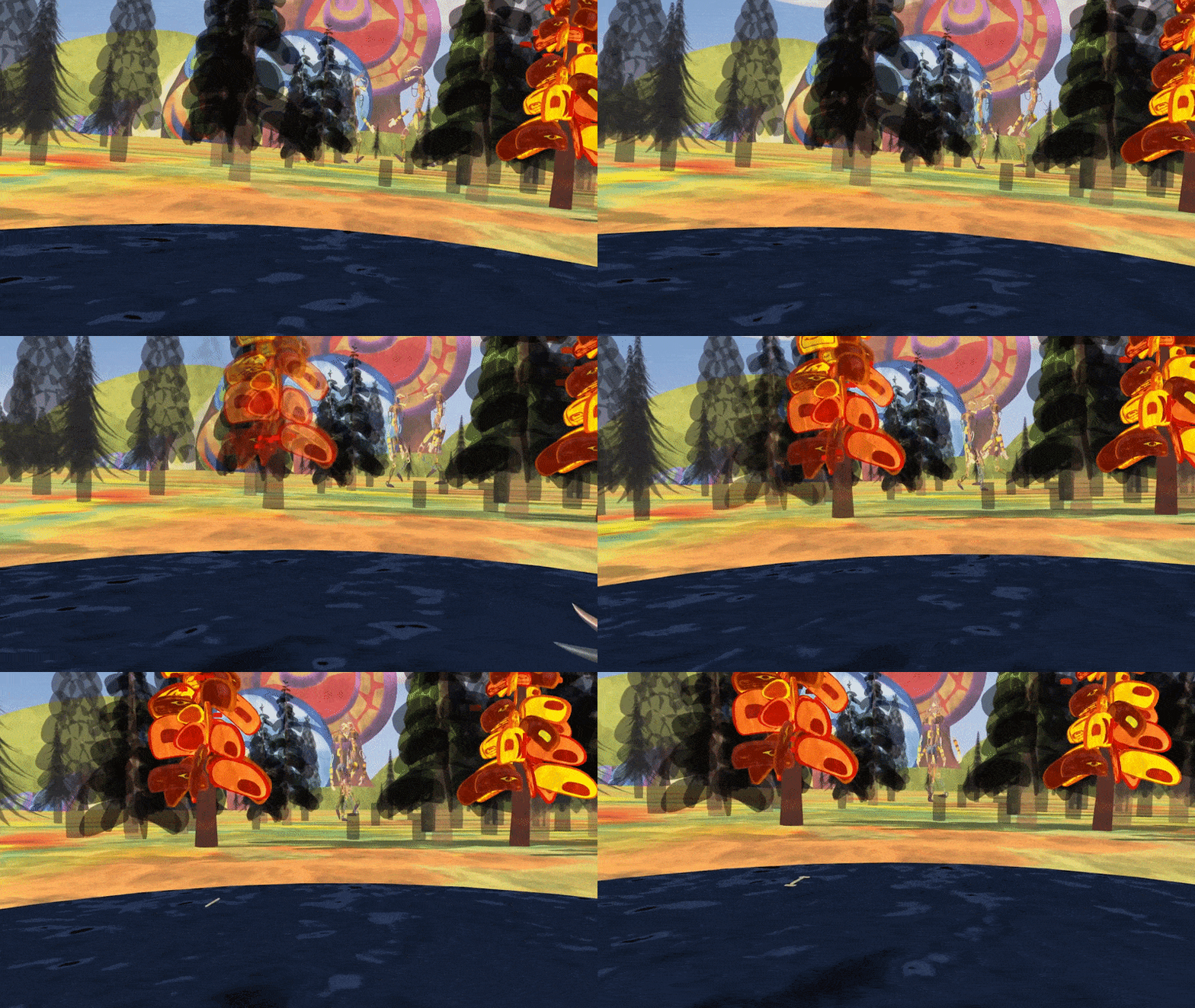
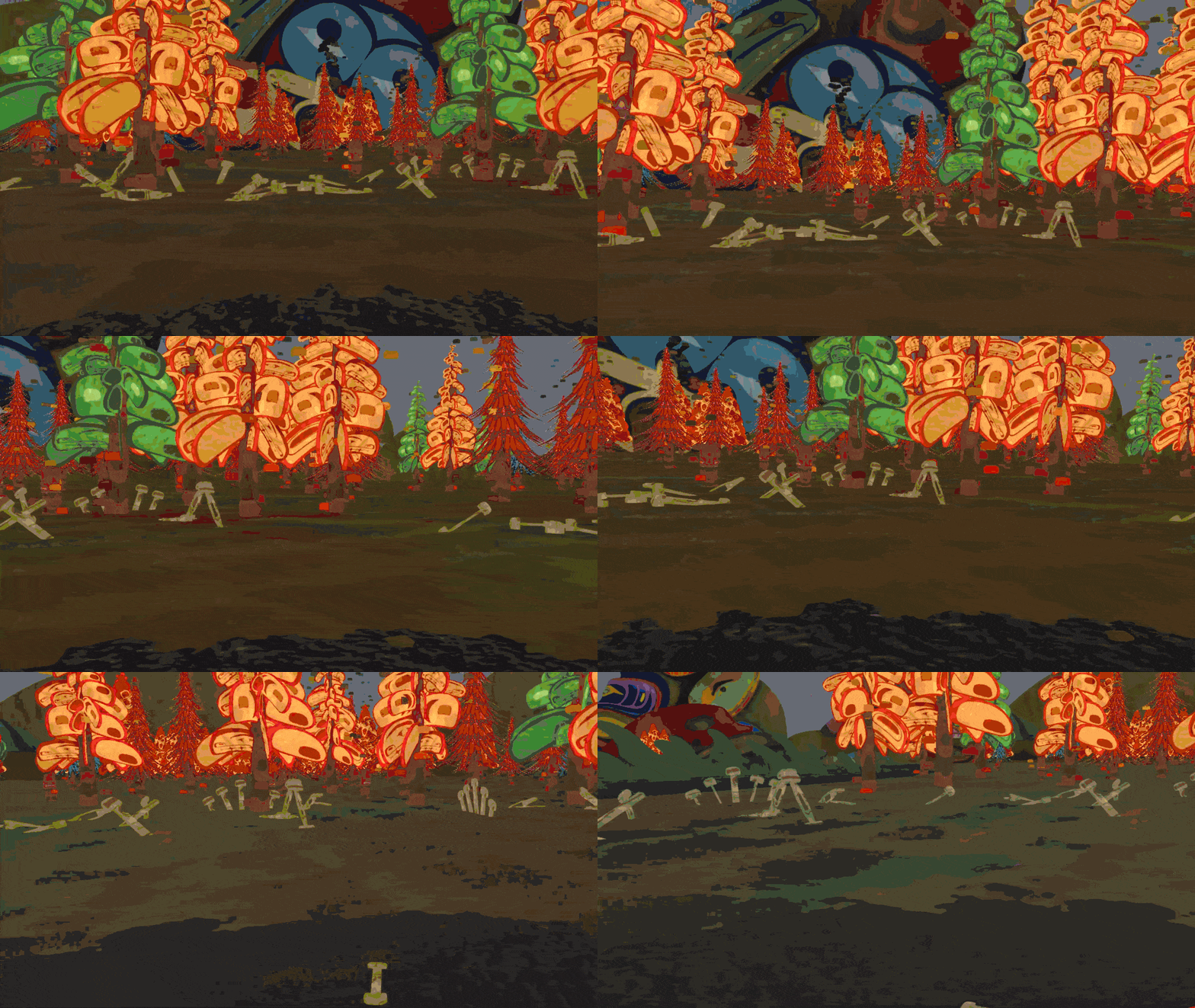
"Engages viewers with issues of colonialism, climate change, and Indigenous civil rights."
VARIETY